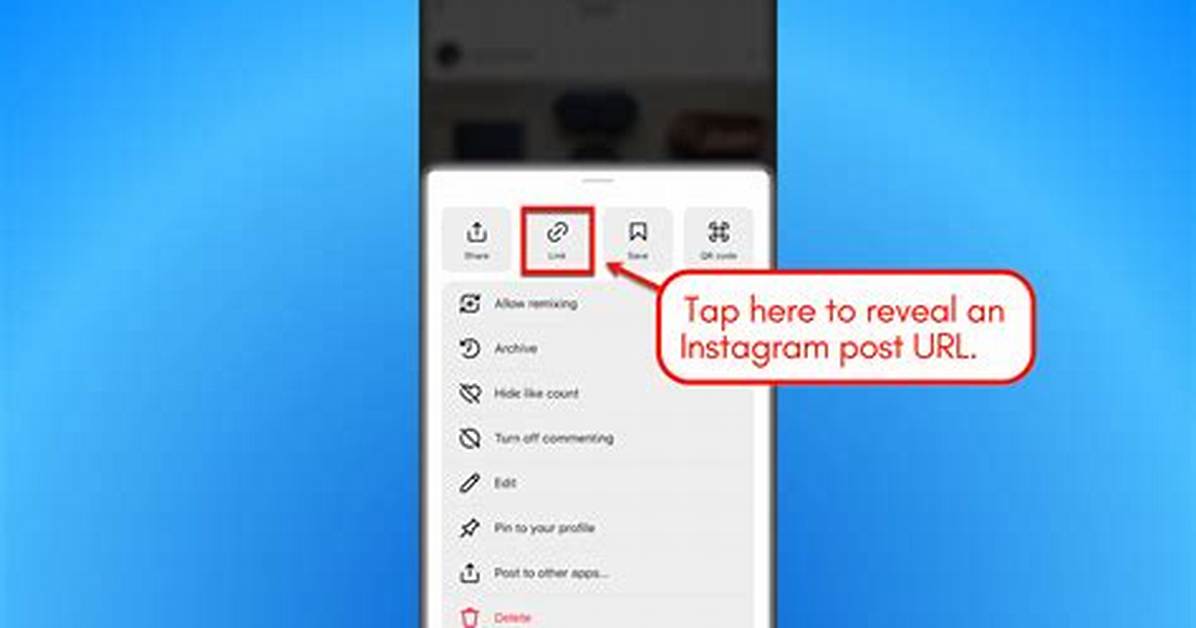
- You can find your Instagram URL by opening Instagram in a web browser or mobile device.
- Every Instagram account has a unique URL associated with it, and it contains your username.
- Your URL comprises Instagram's website address and your username, separated by slashes.
Advertisement
Instagram is perhaps one of the most mobile-friendly social networking platforms.
Because Instagram is so attuned to mobile devices, it doesn't operate like a traditional website, making it sometimes difficult to track down the URL for your Instagram account.
Fortunately, the process isn't as difficult as you might think.
Advertisement
How to find your Instagram URL on a computer
Finding your Instagram URL is quite straightforward if you are using a traditional web browser to view Instagram.
1. Go to instagram.com.
2. Click on your profile photo at the top-right of the screen. If you're on someone else's Instagram page, click the profile icon in the menu on the left side.
3. Your Instagram URL will now be in the search bar.
Quick tip: To copy your URL, hold down command + C on your Mac or Ctrl + C on your PC keyboard. To paste, hold down command + V on your Mac or Ctrl + V on your PC.
Advertisement
How to find your Instagram URL on iPhone
If you aren't able to open Instagram on a web browser and can only access it via the app, you can still find your URL by piecing it together manually.
1. Open the Instagram app on your iPhone and log in.
2. Tap your profile photo in the lower-right corner of the bottom menu bar.
3. On your profile page, take note of your Instagram username located at the top of the page.
4. Your Instagram URL is made up of two components: Instagram's website address and your Instagram username, separated by slashes. The general URL format is
Quick tip: Some Instagram accounts are private and may not be visible even if you have their exact URL. Deactivated Instagram accounts are also not visible.
Advertisement

